Brown Dust 2 PC Client
Steam is not coming. The official Windows launcher is how you play on a monitor.
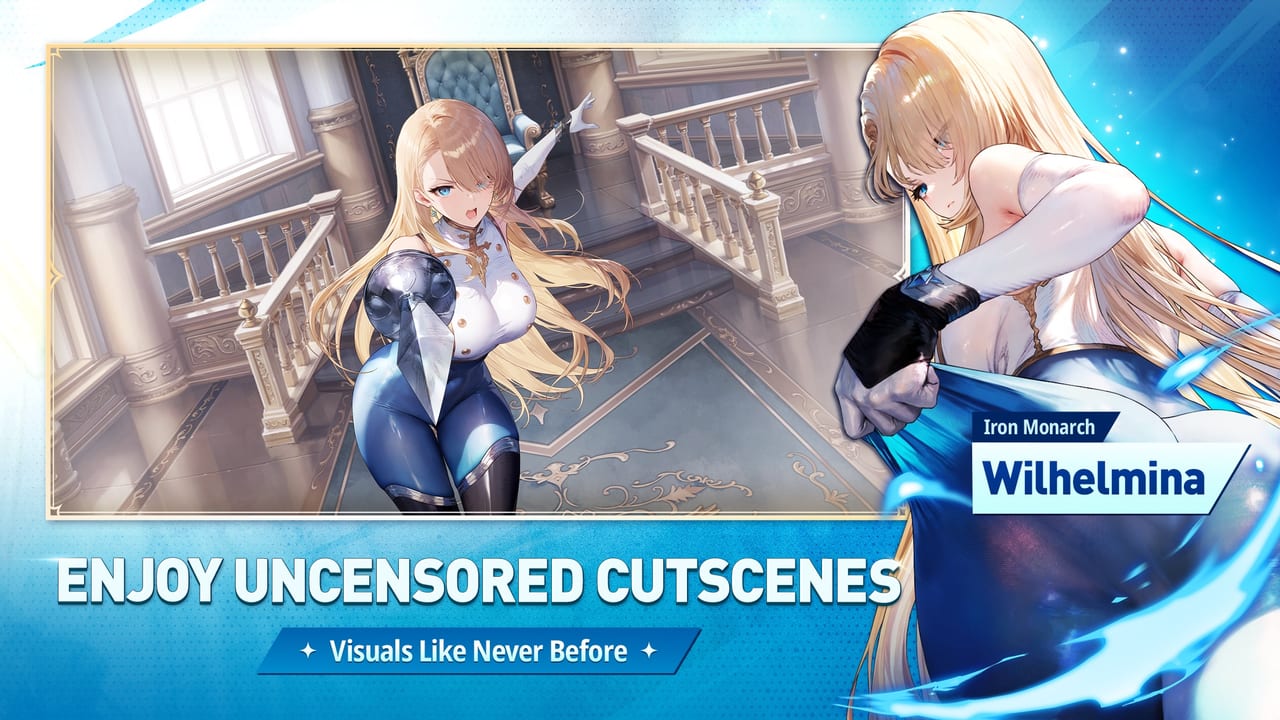
Brown Dust 2 is a mobile-first RPG with an official Windows client. It is not a Roblox experience and it is not a Steam game. NEOWIZ cancelled the Steam launch on 8 December 2025 after platform policy talks failed. Wishlist milestones and related campaign rewards were still scheduled for distribution after the 16 December 2025 update. The store page you may still find in caches is a ghost. Play on iOS, Android, or the standalone launcher from the official site.
This page is the PC path. Events stay on events. Coupons stay on codes. Systems stay on guides.
Install the Windows client
- Open the official Brown Dust 2 site (language: English).
- Download the PC installer they currently list. Do not grab a random “Steam unlocked” mirror.
- Install, launch, and link the same account you use on your phone (Google, Apple, Facebook, or NEOWIZ).
- Wait for the asset download. The first PC patch is large because costumes and Live2D do not fit in a 200 MB joke client.
- Confirm your nickname matches the coupon name you already used. Redeem 2026BD2SEP from More → Register Coupon or the web form.
Mouse and keyboard control the same 3x4 grid. There is no separate PC meta. Your plus ranks, packs, and mail are the account, not the device. If mail you claimed on the phone is empty on PC, you already claimed it — the attachment does not duplicate.
Why Steam died (short version)
NEOWIZ said they could not reasonably meet Steam policy with the current build without changing the game’s direction. The title is PEGI 18 / mature, with costume and cutscene content that already requires a censored client in Germany and, from late July 2026, extra GRAC-driven changes for South Korea. Valve’s store rules and those rating boards are different problems; do not mix them. Global players on the official launcher keep the global build. Korean IPs may see the Korea build even on PC because the law follows the service, not the storefront. If a costume is missing, check region before you file a bug.
The team said they would look at other PC storefronts. Until one is announced on the official account, the launcher is the PC product.
PC-specific annoyances
- Coupon button exists on PC (unlike many iOS builds). You can still use the web form if paste is easier.
- Emulators work but are not the supported path. If you already live in LDPlayer, you can stay; the launcher is cleaner for account linking.
- Two windows — do not run phone and PC on the same account at once. You will kick yourself.
- C: space — Live2D caches grow. Leave disk room before a collab week (events).
- Steam overlay will not exist. Discord overlay is your friend for combat notes.
Related pages
Updates hub for the live-service timeline. Getting started if this is also your first install. Official links for the download URL if this paragraph ever ages. Tier list does not change on PC; your mouse does not add damage.
If a YouTuber still says “wait for Steam on 15 December 2025,” they missed the cancellation notice. You did not. Install the launcher and play.
Frequently Asked Questions
Quick answers to the most common Brown Dust 2 questions.
Can I play Brown Dust 2 on Steam?
Not as of the December 2025 cancellation. Use the official Windows launcher or mobile.
Does the PC client share my mobile account?
Yes, once you link the same login. Plus ranks and mail are shared.
Is the PC version censored?
The global launcher follows the global build. Korea and Germany have extra filters by law, including on PC.
Where do I get the installer?
The official site linked from official links. Avoid third-party “Steam” reuploads.